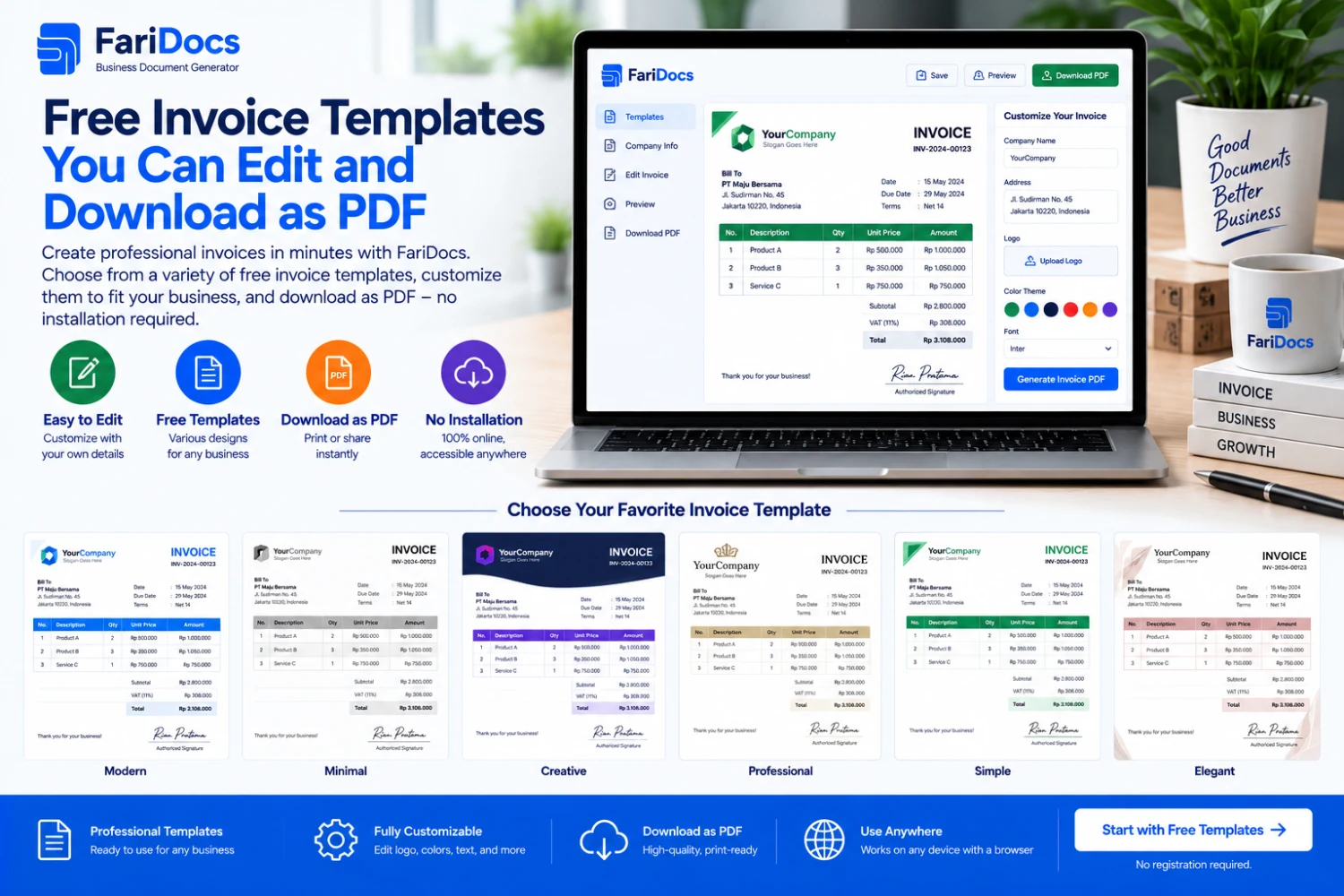
A free invoice template gives you a structured starting point for billing customers. Customize your business details, customer information, products or services, and payment instructions, then download the result as a PDF.
With FariDocs online invoice templates, you can select a design, update the form, and review a preview before downloading. The process runs in your browser, so no additional app installation is required.
In this guide, “editable” means that you customize the information and appearance in the generator before producing the PDF. For revisions, update the form and download a new version. Do not assume the downloaded PDF is a Word or Excel template, or an interactive PDF form.
Why Use an Invoice Template?
Starting from a blank document means arranging tables, spacing, business details, and payment summaries yourself. A template provides a structure you can reuse across different transactions.
It is particularly useful for:
Routine billing: keeping the order of information consistent.
Business identification: making your logo and contact details easy to find.
Transaction review: separating line items from payment totals.
Document delivery: producing a PDF for sharing and printing.
Reducing layout work: allowing more attention to the accuracy of the bill.
A template helps keep the document organized. You still need to verify customer names, prices, and bank details before sending it.
Online, Word, Excel, and PDF Invoice Templates Compared
FormatHow you edit itSuitable forWhat to checkOnline templateFill in a browser form and choose a designCreating an invoice and downloading a PDFUse an internet connection to access the serviceWord templateEdit text, tables, and layout in a document editorDocuments requiring extensive text adjustmentsCheck calculations according to the template’s designExcel templateEnter cell values and use prepared formulasSpreadsheet-based numerical workPreserve formulas and print settings when editingStandard PDFUsually reviewed or shared as the finished documentDelivery and record keepingEditing depends on the file and software usedFor a simple process, choose an online template, enter the transaction, and download the PDF. If you need a DOCX or XLSX source file, confirm that your chosen service provides that format.
Invoice Template Styles Available in FariDocs
FariDocs includes design choices such as Modern, Professional, Corporate, and Minimal. Available settings also let you customize the logo, accent color, font, and paper size. Explore FariDocs invoice templates.
Consider the following when choosing a style:
RequirementStyle to considerWhat to reviewFreelance and service billingModernClear descriptions and business identityCorporate customersProfessional or CorporateEasy-to-find document numbers, order references, and totalsShort invoicesMinimalEnough space for essential informationMultiple line itemsA style with a readable tableDescriptions, quantities, and prices are not crowdedThese are selection considerations, not restrictions on business types. The same template can support goods or services when the information is adapted appropriately.
Invoice Details You Should Customize
Business and Customer Information
Enter accurate business names, addresses, and contact details. Identify the customer responsible for payment. For business transactions, use the billing address supplied by the customer.
A logo can improve brand recognition. Choose a clear, proportionate image and check that it remains readable when printed.
Invoice Number, Dates, and References
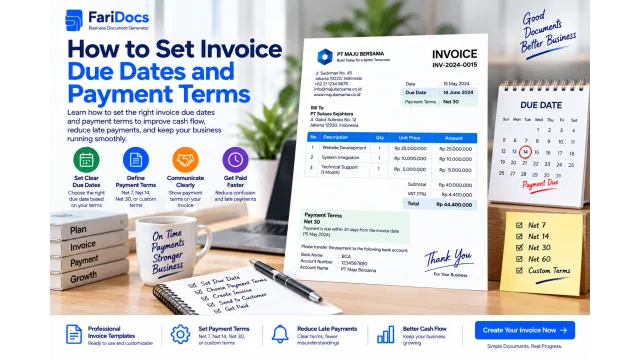
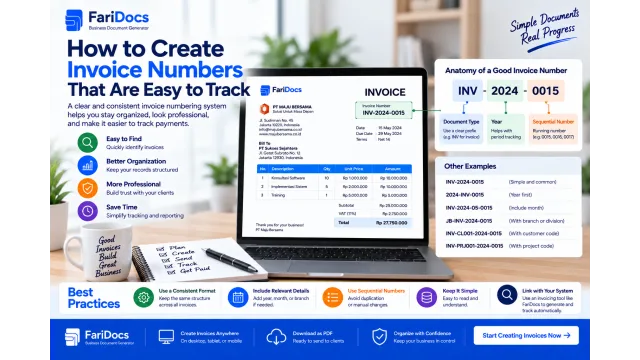
Use a unique number for each bill, such as INV-2026-09-004. When reusing a template, make sure the number, dates, and customer details have not been left over from a previous transaction.
Include a purchase order or contract reference when relevant. Set the due date according to the customer agreement.
Products or Services
Use descriptions that identify the product, service period, or deliverable. For example, “Website maintenance for September 2026” is clearer than “Maintenance.”
Check quantities and units. One service package differs from one billable hour, and that distinction affects how the customer interprets the price.
Totals, Payments, and Bank Details
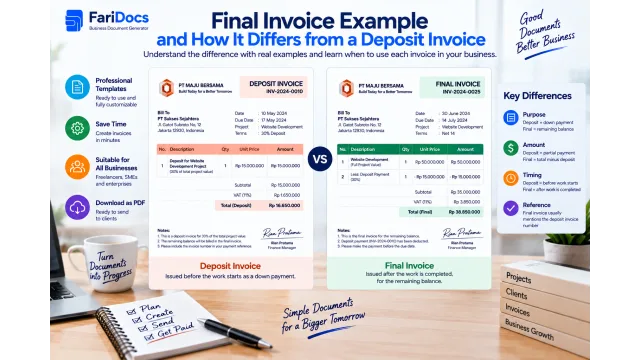
Distinguish the transaction value from the outstanding amount. Discounts reduce the price, while deposits and partial payments reduce the balance due.
Verify the account number and beneficiary. These details should be easy to locate without the customer having to contact you again.
A Simple Invoice Template Example
Use the following structure as a guide when completing the generator. Replace bracketed placeholders with your actual information.
SectionSample entryDocument titleINVOICEBusiness name[Your business name]Address and contact details[Business address, email, and phone]Bill to[Customer or company name]Billing address[Customer address]Invoice numberINV-2026-09-004Invoice dateSeptember 7, 2026Due dateSeptember 21, 2026, as agreedReference[Order or contract number, if applicable]Payment account[Bank, account number, and beneficiary]Example service invoice line items, in Indonesian rupiah using English number formatting:
DescriptionQuantityUnit priceAmountPromotional material design package1 packageIDR 1,500,000IDR 1,500,000Product photo adjustments5 photosIDR 100,000IDR 500,000SubtotalIDR 2,000,000Discount: 5% of subtotal−IDR 100,000Invoice totalIDR 1,900,000Deposit received−IDR 500,000Balance dueIDR 1,400,000All transaction details are illustrative. Taxes and shipping charges are excluded; adjust them where applicable to your actual transaction.
The discount reduces the service value to IDR 1,900,000. After accounting for a deposit of IDR 500,000, the customer owes IDR 1,400,000. The deposit is not entered as another discount.
How to Edit a Template and Download an Invoice PDF
Open the generator. Visit FariDocs Invoice in your browser.
Choose your appearance. Select the design, language, currency, and paper size.
Enter the identities. Add business and customer details, the document number, and dates.
Add the transaction. Enter descriptions, quantities, prices, and relevant adjustments.
Review payments. Record only verified deposits or partial payments.
Check the preview. Review the information and readability before downloading.
Open the downloaded file. Confirm that every page is readable before sharing it.
Use a searchable filename, such as INV-2026-09-004-Customer.pdf, and save a copy in the appropriate transaction folder.
Tips for Keeping an Edited Template Professional
Use color selectively. Maintain clear contrast between text and background.
Prioritize information. The invoice number, customer, line items, and balance should stand out.
Review long descriptions. Do not remove essential specifications just to force everything onto one page.
Match the paper size. Check that text and tables are not cut off when printed.
Use consistent terms. Make units, payment terms, and payment methods understandable.
Remove sample data. Do not leave illustrative names, prices, or bank details in the final document.
How to Revise an Invoice After Downloading
If you find an error, update the source information in the form and generate a new PDF. Recheck the total after changing quantities, prices, or discounts.
If the earlier version has already been sent, explain that the new document is a revision and identify the changes. Follow your business’s version-control process so the customer does not treat two files as separate bills.
When reusing the template for a new transaction, assign a new invoice number. When correcting the same transaction, preserve the connection to the earlier invoice according to your revision policy.
Saving and Sharing Your Invoice
You can send the PDF by email or as a document through WhatsApp. Confirm that it reaches the correct billing contact. Corporate customers may require supporting documents or submission through a particular channel.
Keep the final PDF together with order references and payment records. Browser form history should not be your only transaction archive. Use organized business storage and restrict access to documents containing customer or bank information.
Once funds have been received and verified, prepare a payment receipt if needed. Downloading or sending an invoice does not mean it has been paid.
Frequently Asked Questions About Free Invoice Templates
Are FariDocs invoice templates editable?
Yes. You change the information and select the appearance in the generator before downloading the PDF. For revisions, update the form and generate the result again.
Can I edit the downloaded PDF like a Word file?
Do not assume so. The PDF is the finished document for sharing. To make changes through FariDocs, edit the form. If you require Word or Excel files, check the availability of those source formats separately.
Can I use my own logo and business colors?
Yes. Use the available logo and accent-color settings. Review the preview so branding remains clear without making the bill harder to read.
Can I use a template for both goods and services?
Yes. Adapt the descriptions, quantities, and units to the transaction. For services, a clear period or scope helps customers review the charge.
Can I reuse the same template?
Yes, but each transaction needs accurate information. Recheck the invoice number, customer, dates, items, and previous payments.
Are invoice PDF downloads free?
The public FariDocs invoice generator provides free PDF downloads. For storage and business management with a team, review the scope of FariDocs Workspace plans.
Prepare your transaction details, choose a free invoice template in FariDocs, customize it, and download a PDF ready to send to your customer.